Have the pricing strategy tailored to your business, with specific prices and discounts per quantity, period, currency or customer segment. Odoo has an integrated tool to set and compute sales prices, the so-called Pricelists.
Choose your pricing strategy in click on .

Several prices per product
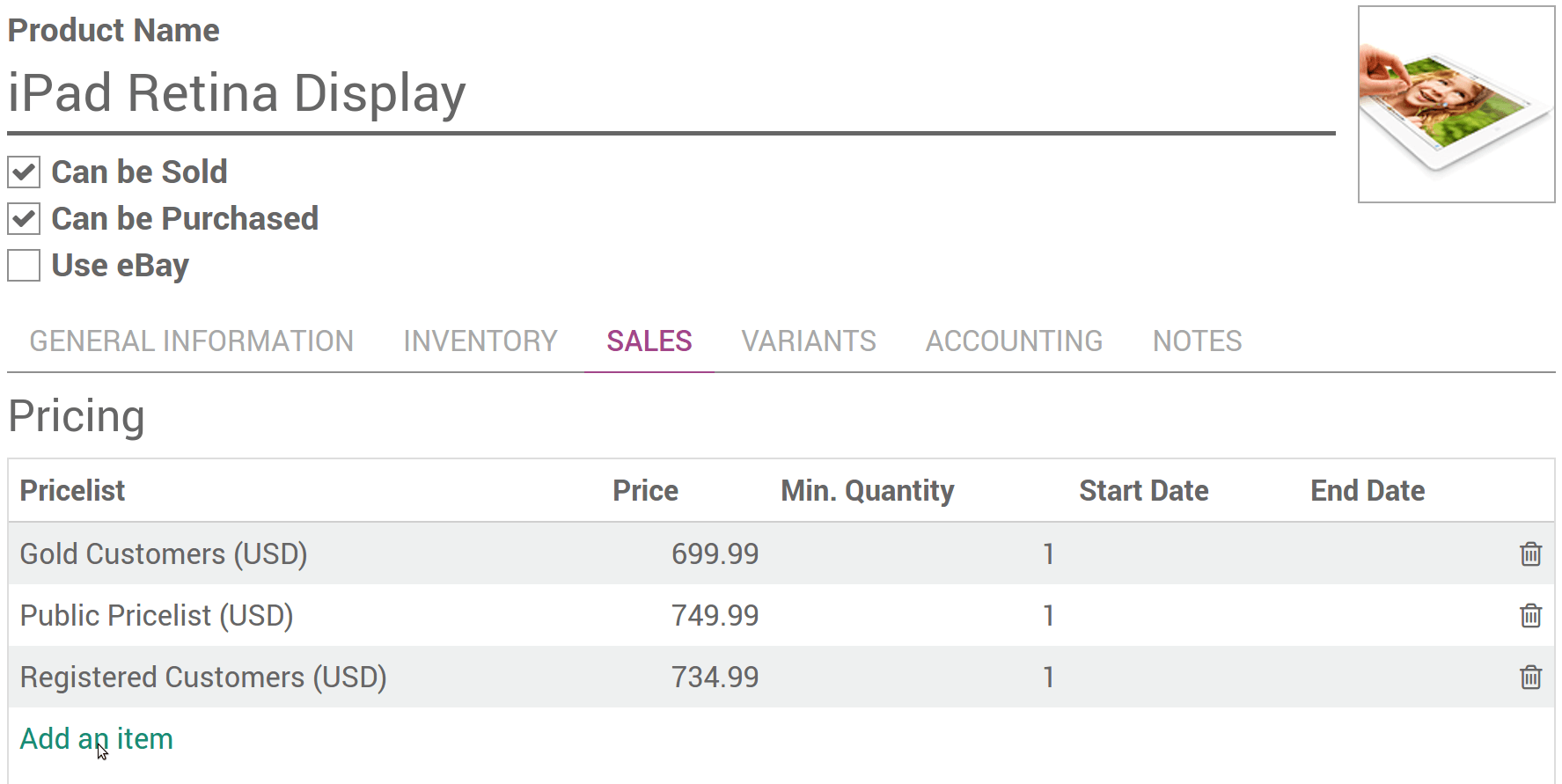
To apply several prices per product, select Different prices per customer segment in . Then open the Sales tab in the product detail form. You can settle following strategies.
Prices per customer segment
Create pricelists for your customer segments: e.g. registered, premium, etc.
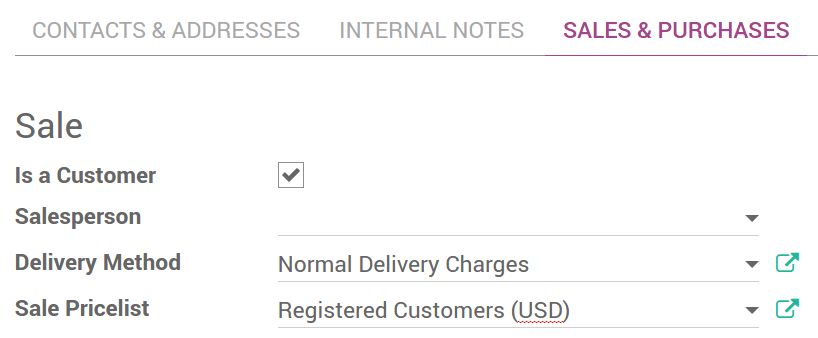
The default pricelist applied to any new customer is Public Pricelist. To segment your customers, open the customer detail form and change the Sale Pricelist in the Sales & Purchases tab.
Temporary prices
Apply deals for bank holidays, etc. Enter start and end dates dates.

Tip
Make sure you have default prices set in the pricelist outside of the deals period. Otherwise you might have issues once the period over.
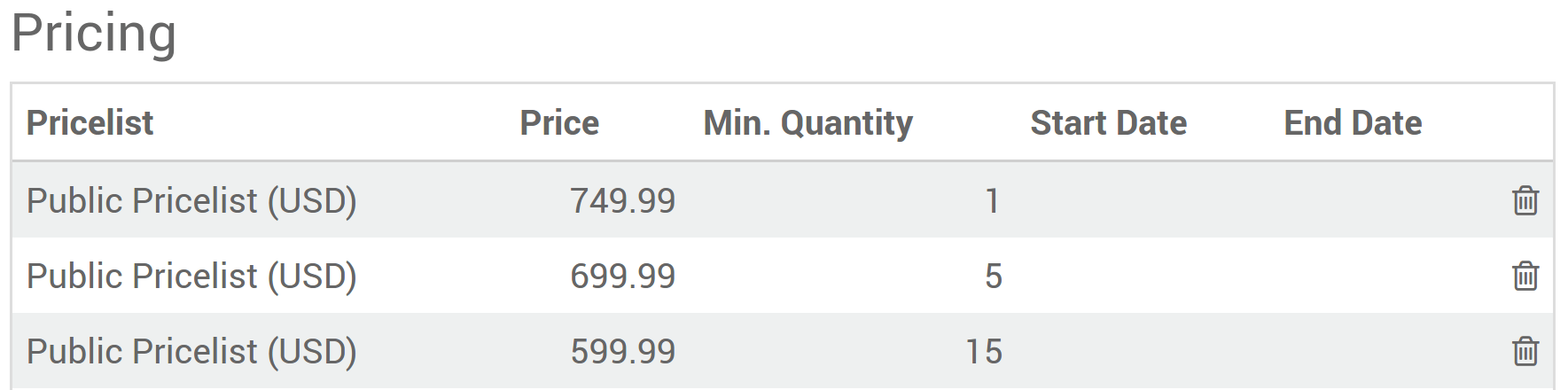
Prices per minimum quantity
Note
The prices order does not matter. The system is smart and applies first prices that match the order date and/or the minimal quantities.
Discounts, margins, roundings
The third option allows to apply discounts % or amounts, margins and rounding based on formulas. Once installed go to if you use e-Commerce).
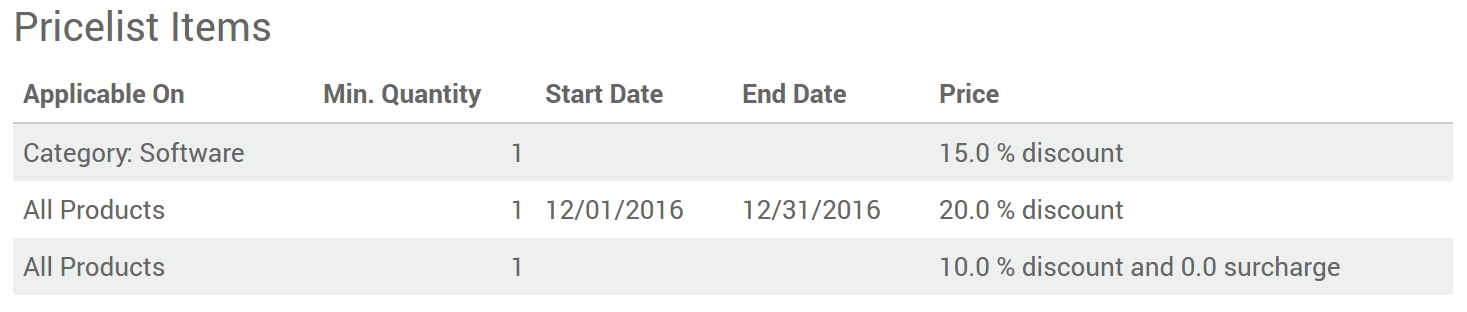
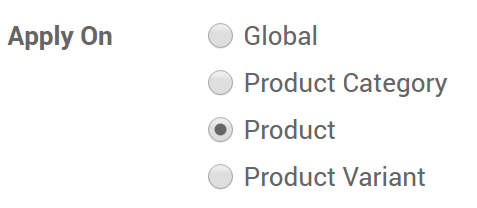
Each pricelist item can be associated to either all products, to a product internal category (set of products) or to a specific product. Like in second option, you can set dates and minimum quantities.
Note
- Once again the system is smart. If a rule is set for a particular item and another one for its category, Odoo will take the rule of the item.
- Make sure at least one pricelist item covers all your products.
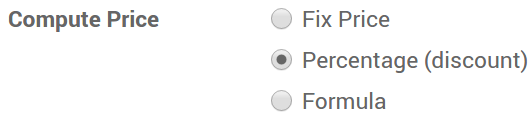
There are 3 modes of computation: fix price, discount & formula.
Here are different price settings made possible thanks to formulas.
Discounts with roundings
e.g. 20% discounts with prices rounded up to 9.99.

Costs with markups (retail)
e.g. sale price = 2*cost (100% markup) with $5 of minimal margin.

Prices per country
Pricelists can be set by countries group. Any new customer recorded in Odoo gets a default pricelist, i.e. the first one in the list matching the country. In case no country is set for the customer, Odoo takes the first pricelist without any country group.
The default pricelist can be replaced when creating a sales order.
Tip
You can change the pricelists sequence by drag & drop in list view.
Compute and show discount % to customers
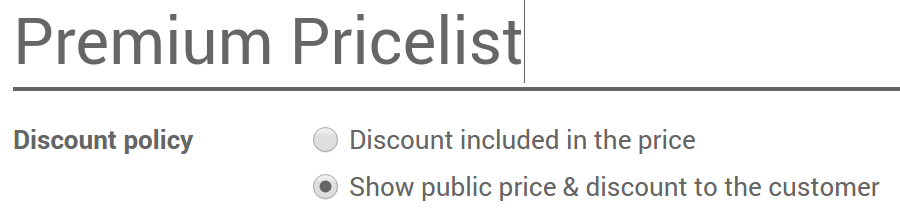
In case of discount, you can show the public price and the computed discount % on printed sales orders and in your eCommerce catalog. To do so:
- Check Allow discounts on sales order lines in .
- Apply the option in the pricelist setup form.